








BEDWARS: DEFEND YOUR BED AND CONQUER THE SKIES
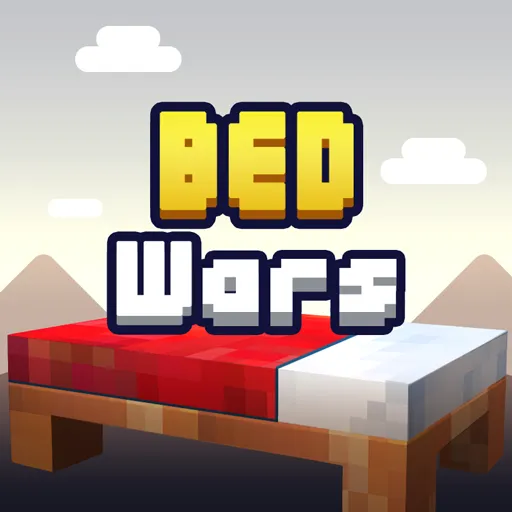
Bedwars is a multiplayer PvP strategy game where teams defend beds and attack rivals on floating islands. Players gather resources, purchase equipment, strengthen defenses, and push toward enemy bases. Each team needs its bed intact because destruction removes the ability to respawn. Coordinate with teammates, protect your island, and fight for the final victory!
BUILD DEFENSES AND BREAK ENEMY BEDS
During Bedwars matches, each team starts on a floating island with a bed and basic equipment. Resources around the base help players purchase stronger weapons, armor, blocks, and useful items. Defensive blocks can protect the bed while also creating bridges toward enemy islands. Team upgrades can improve combat strength, protection, generators, and bed defenses. The multiplayer battles reward coordination because attacks and defenses often happen simultaneously. Enemy beds become key targets because destroyed beds remove their team's respawn ability. Players then need to eliminate remaining opponents before another team takes control. Different formats change the team size and battlefield dynamics, creating varied battle experiences.
Bedwars Modes And Team Battles
Bedwars offers several modes that change team sizes and combat formats across different matches.
- Squads: Four-player teams battle on sky islands, protect their bed, and destroy enemy beds to win.
- Trios: Three-player teams work together to defend their bed and eliminate opposing teams.
- Duos: Two-player teams coordinate attacks and protect their bed during each match.
- Solos: Players fight individually while defending their own bed and breaking opponents' beds.
- 4v4: Two four-player teams compete in ranked matches with coordinated combat and bed defense.
- 1v1: Two players face each other directly in a ranked one-on-one battle.
Controls For Bedwars Battles
- W / A / S / D: Move your character across the islands.
- Mouse: Turn your view and aim toward enemies.
- Left Mouse Button: Attack opponents and interact with certain objects.
- Right Mouse Button: Place blocks or use selected items.
- Spacebar: Jump across gaps and reach different platforms.
- Shift: Sneak for more controlled movement near edges.
- Number Keys: Switch between weapons, blocks, and inventory items.
- E: Open the inventory and access available interfaces.