
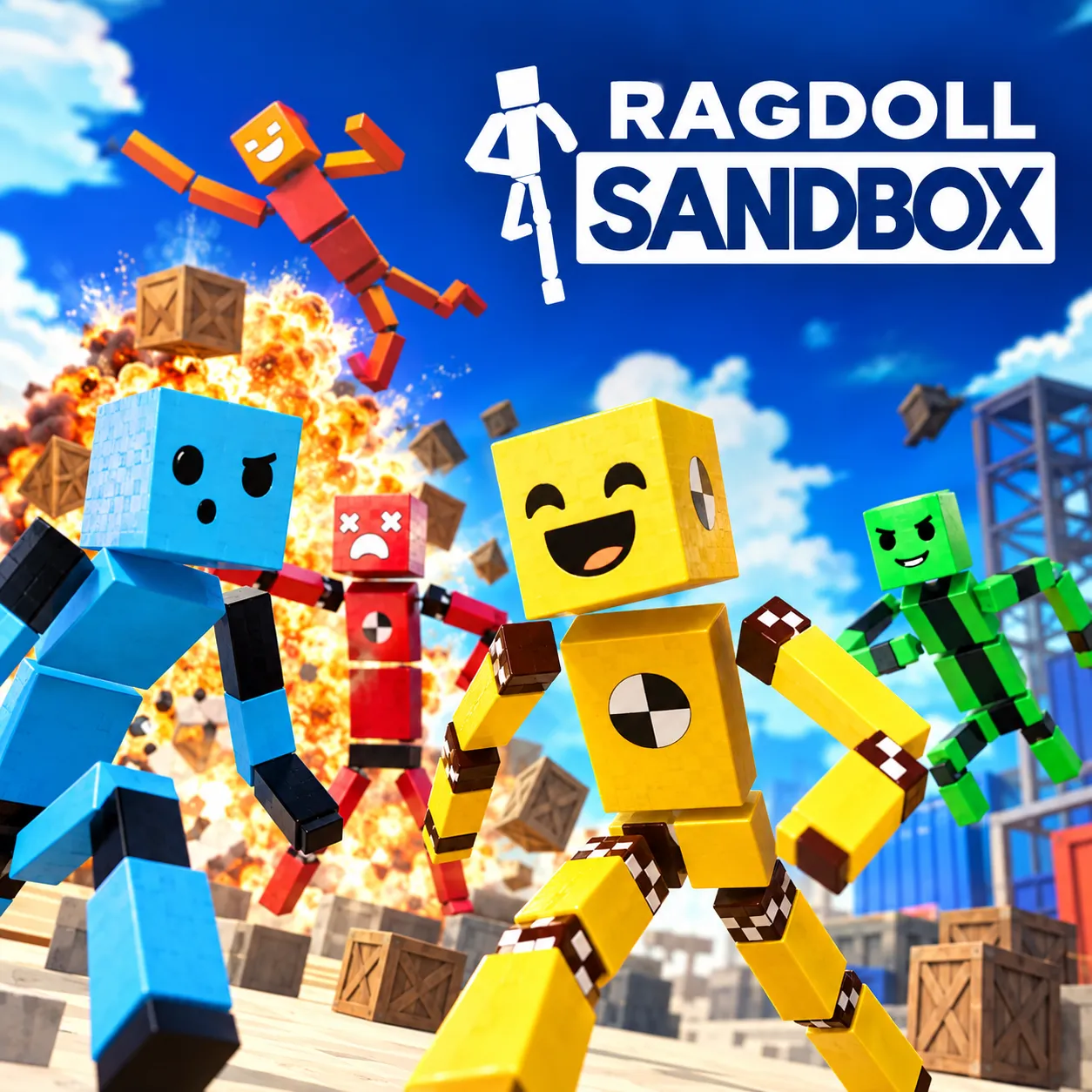












RAGDOLL SANDBOX TURN EVERY SETUP INTO CHAOS
Ragdoll Sandbox is a 3D simulation game where players create wild experiments with ragdolls and interactive objects. Cannons, black holes, fans, mines, lasers, cars, and jump pads create unpredictable scenes. The main objective centers on building strange setups and watching physics shape the results. Build your first chaotic scene, release the ragdoll, and see what happens next!
BUILD WILD EXPERIMENTS AND LET PHYSICS TAKE OVER IN RAGDOLL SANDBOX
Creative freedom defines Ragdoll Sandbox, with custom environments packed with objects and interactive tools. Players can place cannons, black holes, giant fans, mines, lasers, cars, jump pads, Telepads, glass, and destructible pillars. Adjustable item properties change how different objects behave during each experiment. Gravity and world settings can also reshape carefully arranged setups. Unexpected chain reactions can turn controlled scenes into hilarious physics disasters.
Game Modes And Customization
Ragdoll Sandbox offers several modes and customization options that let players build, explore, and experiment in different ways.
- Sandbox Mode: Create custom worlds with countless objects for open-ended experimentation.
- Mini-Games: Play short adventures featuring specific challenges and different outcomes.
- Explorer Mode: Enter pre-built environments for immediate action without building first.
- Character Customization: Unlock skins and faces to change the ragdoll's appearance.
- AI Types: Add Attackers, Defenders, Seekers, Followers, and Explorers to custom worlds.
- Community Worlds: Discover and test fresh setups created and shared by other players.
Creative Ragdoll Experiment Controls
- Mouse Cursor: Look around the environment and position your view.
- WASD: Move around the available environment.
- Spacebar: Jump across the surroundings.
- E: Interact with objects during experiments.
- R: Trigger the ragdoll situation.
- F: Open the item menu and select available objects.
- Tab: Enter build mode for creating custom setups.